The platform behind MingelBingo
MingelBingo is a bingo game on your phone that gets people to meet, move around and discover more. It works for mingles and trade shows, and as an always-on activity at hotels, in parks and at arenas.
We create the questions, the branding and the event page for you. During the event you follow everything live in Event View and adjust whatever you like. Afterwards you get photos, contacts and leads, and every participant gets their own summary. Here is everything, part by part.
Up and running in five seconds, no app
The participant scans the QR code and enters their name and email. Everyone agrees that their details are handled in line with GDPR, and anyone who wants to can also tick a box allowing their photos to be used in your marketing. That choice is optional, and in Event View you can see who said yes. No app and no account. If the connection drops or the phone is closed, they carry on exactly where they left off.
A short intro and a tour of the card show how the game works. Under How it works, participants can find the rules and prizes at any time.
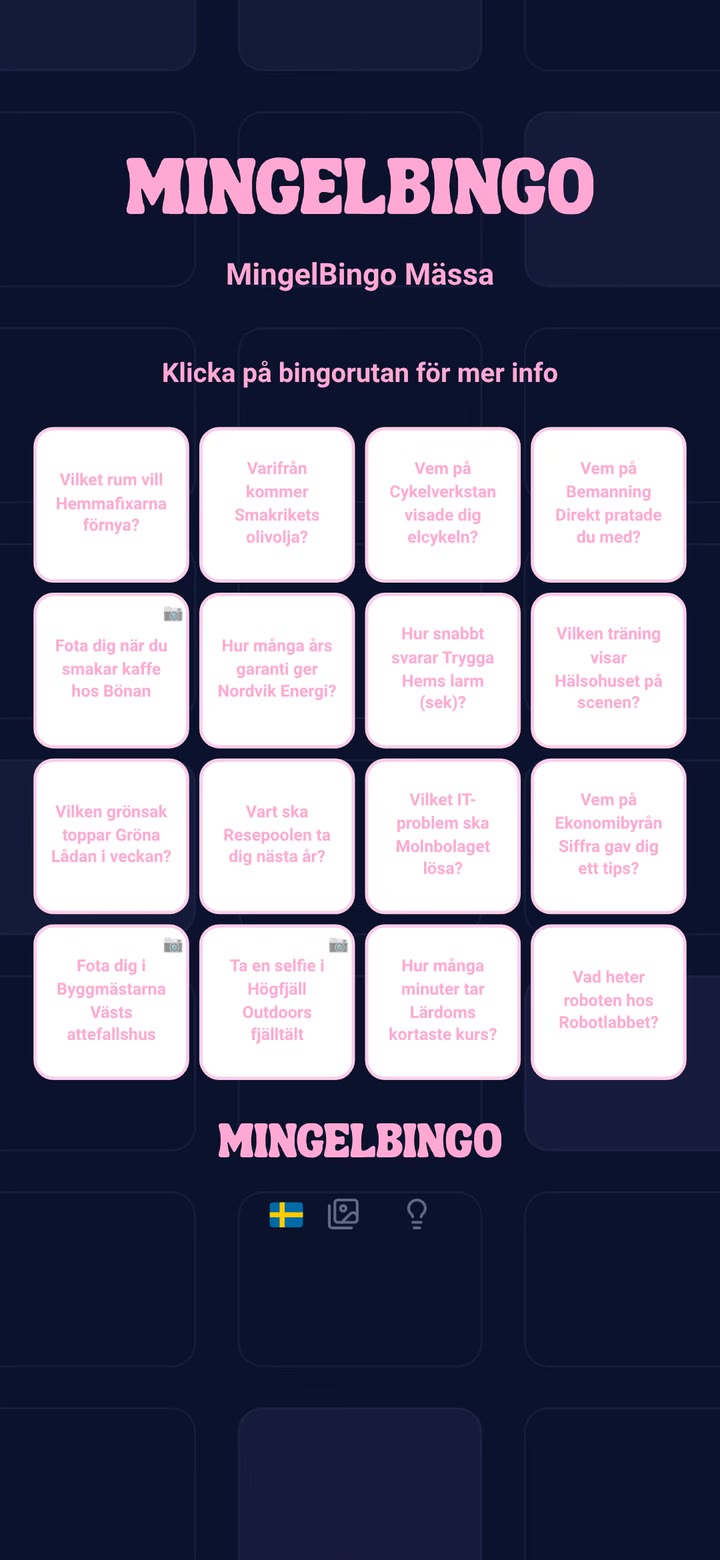
4×4 or 5×5 squares, five question types
- Name question: the player enters the name of someone they've talked to, and the name is saved in a list in the game.
- Photo question: the camera opens right in the game and the photo goes into your gallery.
- Correct answer: the answer is marked instantly, and hints unlock if the player answers wrong.
- Open question: the participants' own thoughts and ideas, with no answer key.
- Letter tiles: the player taps the letters into place and the word is marked instantly.
At an expo, squares can be linked to an exhibitor, so every visit is credited to the right booth. When a square is completed it is marked in the event's colour, subtle enough never to interrupt a conversation.
A row or a full card, with a tiebreaker question if you like
Choose a classic row (horizontal, vertical or diagonal) or a full card, which suits longer events well. If you like, you can add a tiebreaker question that appears at bingo, for example how many cups of coffee were drunk at the office last year. The answer fairly decides who wins when several people get bingo at the same time. Anyone who wants to can keep playing after their first bingo and collect more photos and contacts.
Contacts, map and programme, two languages
In Mingle, everyone the player has talked to is collected under Your new connections, with name, question and time, so the names are still there after the evening. At an expo or in a city centre, visitors can open a map and the day's programme without leaving the game. The game is available in Swedish and English, and participants switch language with one tap.
Mingle, Expo or Always-on MingelBingo
The same game in three formats. Mingle gets people talking to each other at kickoffs, conferences and staff parties. Expo leads visitors to booths, stages and stations and gives exhibitors leads. Always-on MingelBingo runs all year round at hotels, amusement parks and arenas. See which one suits you.
We set it up, you follow everything live
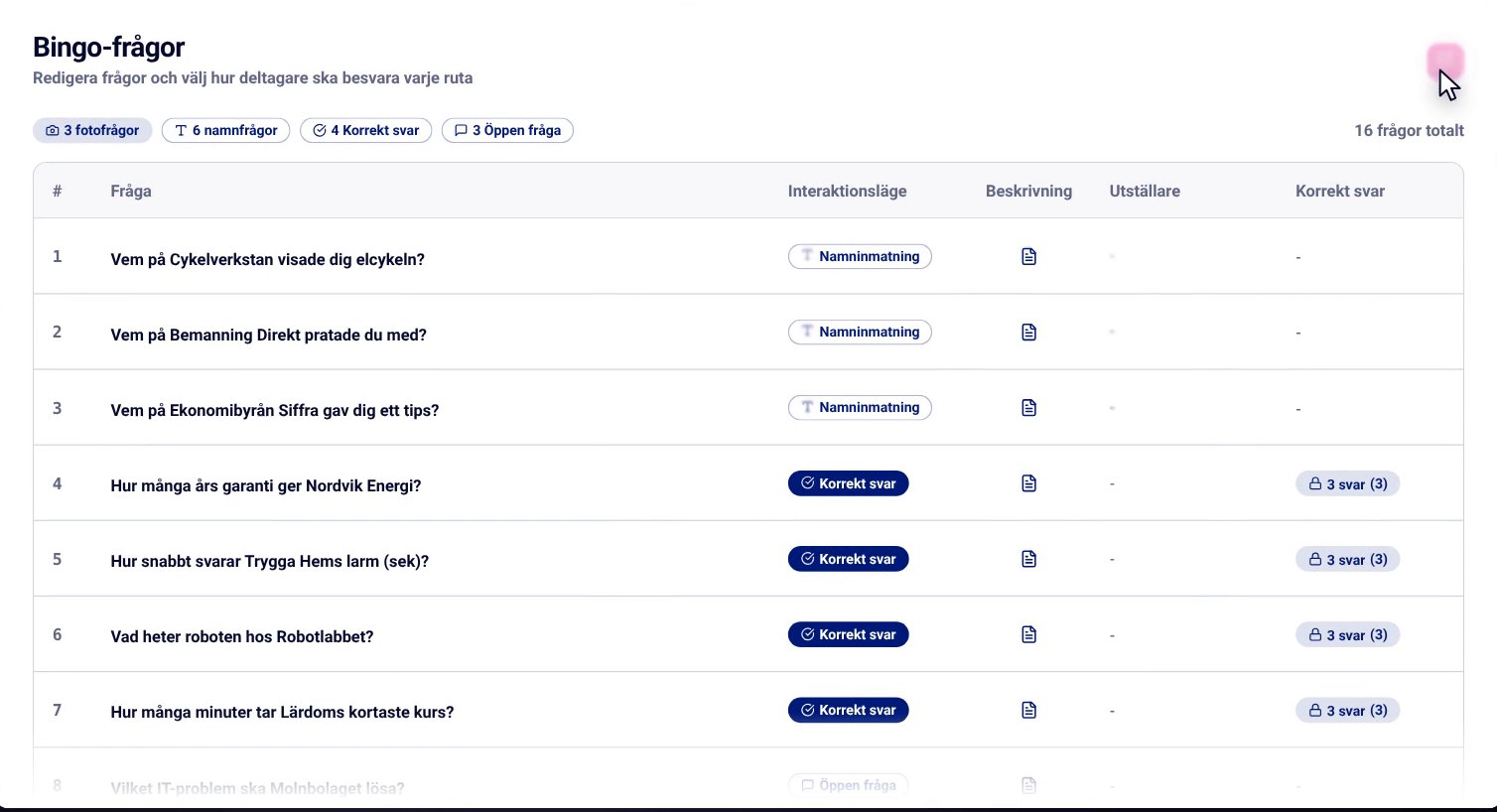
Question Bank and preview
We build the card for you based on the event: game mode, card size, winning rules and tiebreaker question. In the Question Bank you see every square and can change texts and question types yourselves, on a computer or on your phone. If you want help from AI, you answer a few questions about the event, such as the type of event, who the participants are and what tone you want. AI then suggests questions, which you review and edit before anything ends up on the card. AI can also translate the questions into the languages you want. Before you start, you try the game in Preview, just like a participant.
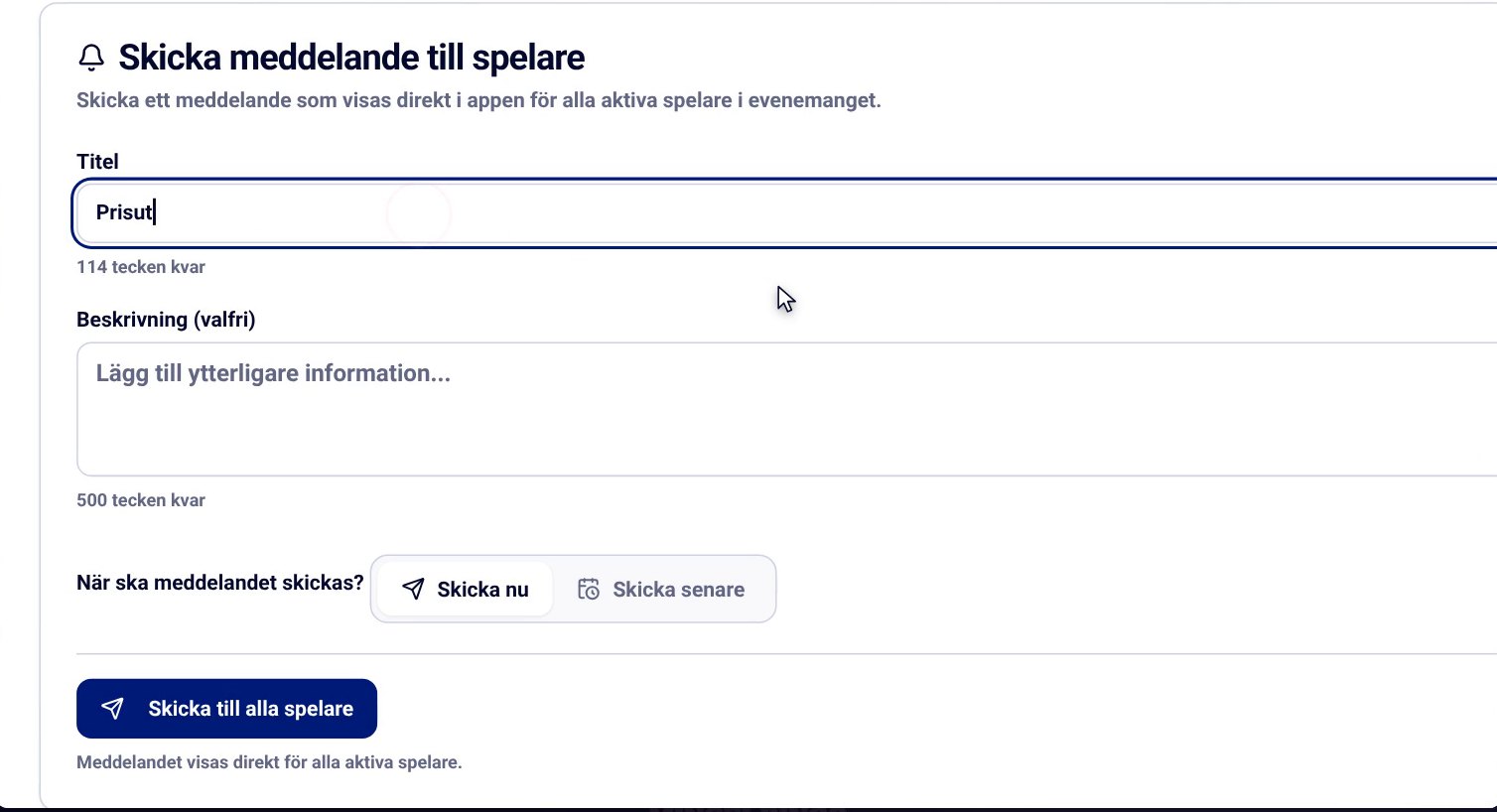
Notifications
Send a message that pops up instantly in the game for everyone playing, for example “Prize giving in 5 minutes”, and choose whether to send it straight away or schedule it for a set time.
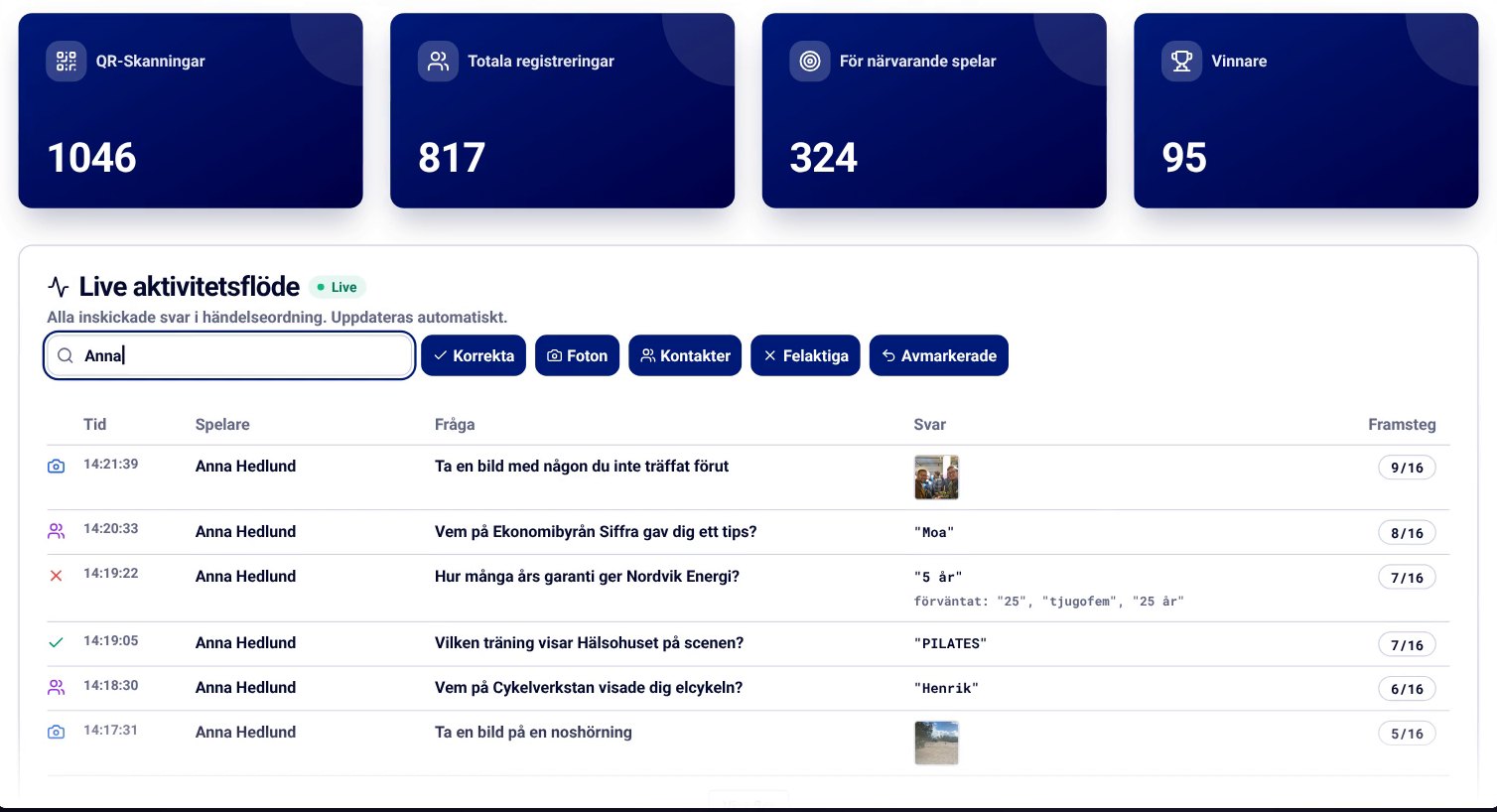
Live and photos
See how many have scanned, registered and are playing right now, and who has got bingo. Every answer appears in the order it comes in, and you can search for a player or a question. The photos go straight into a gallery where you remove anything unsuitable with one click and download everything afterwards.
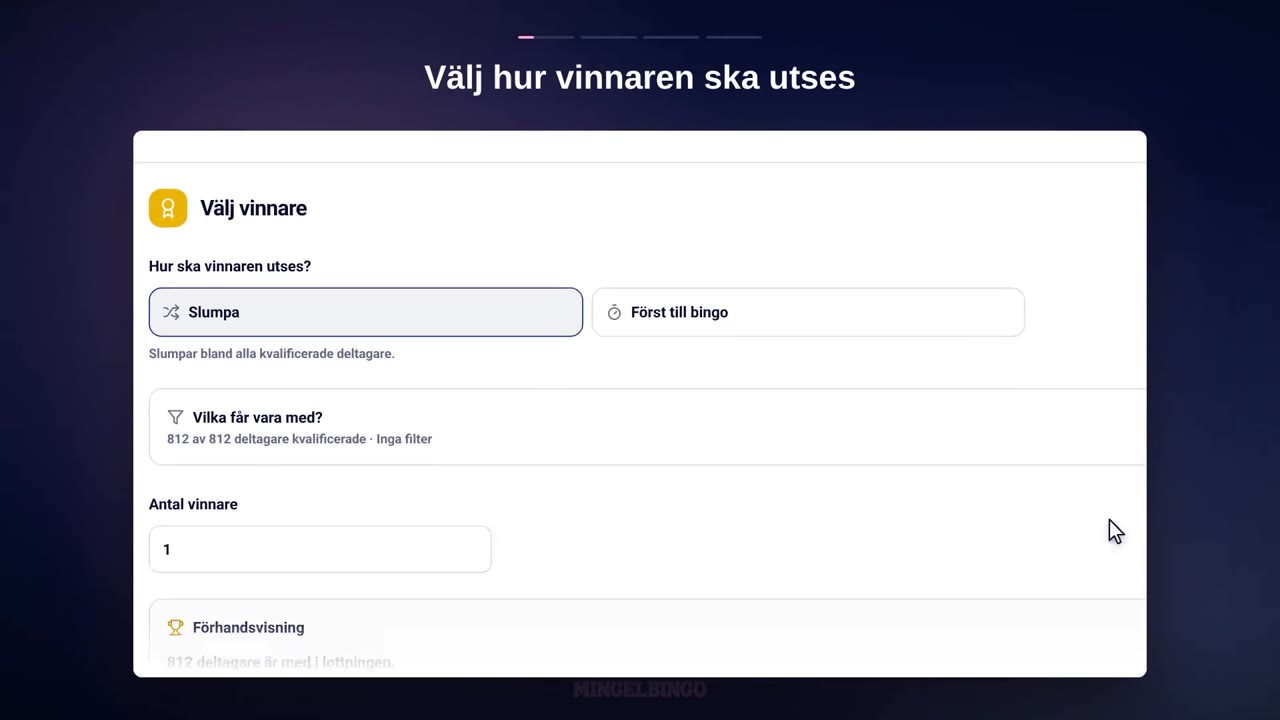
Winners
Draw winners at random or first to bingo, and choose the criteria for who is included yourselves, for example bingo, a minimum number of completed squares or an answered tiebreaker question. Built to be used straight from the stage at the prize giving, and can be shown on the big screen with presentation mode.
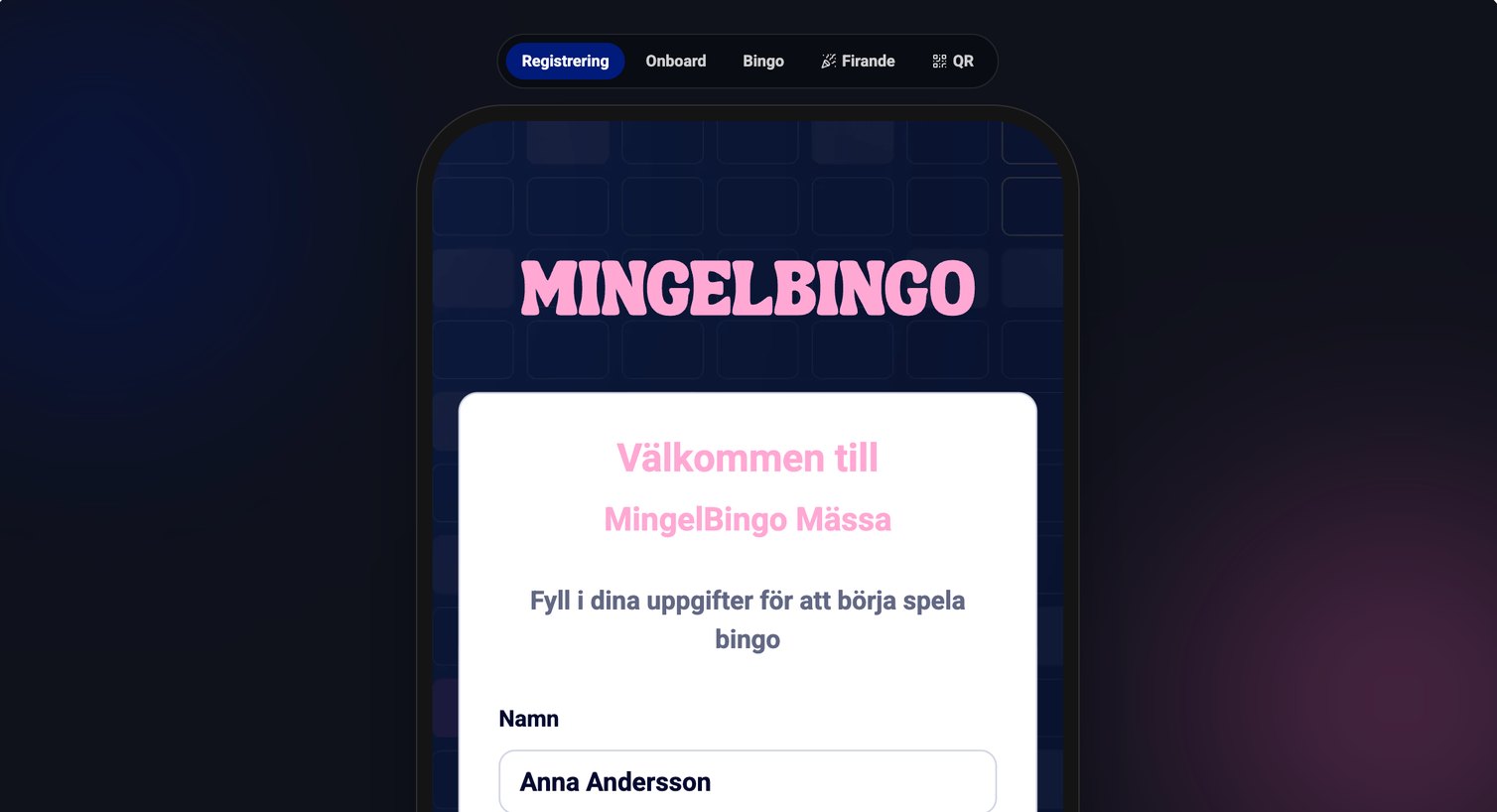
Branding Studio in detail
A preview on the phone updates live while you adjust colours and fonts, so there are no surprises on the day.
What makes every event unique
Branding Studio
Your own logo, background colour or image, primary colour, heading and body text colours, and 21 fonts to choose from. A preview on the phone shows registration, onboarding, the bingo card and the celebration live while you adjust.
QR codes
QR codes ready for print or screen, or ready-made templates with inviting frames. With a dynamic QR code the same sign can point to a new event next time, without reprinting.
Admin Portal
For those of you running several events: all events in one place, with shared branding and a QR code that always points to the right event.
The event doesn't end when the music stops
The participant's Wrapped
Inspired by Spotify Wrapped. After the event every participant gets their own summary: completed squares, time, awards such as “The networker” or “The sprinter”, their photos and their new contacts.
The exhibitor's Wrapped
A private link only the exhibitor can open: how many visited the booth, conversion rate, all answers, the photos and all leads as a CSV file, ready to import into your CRM.
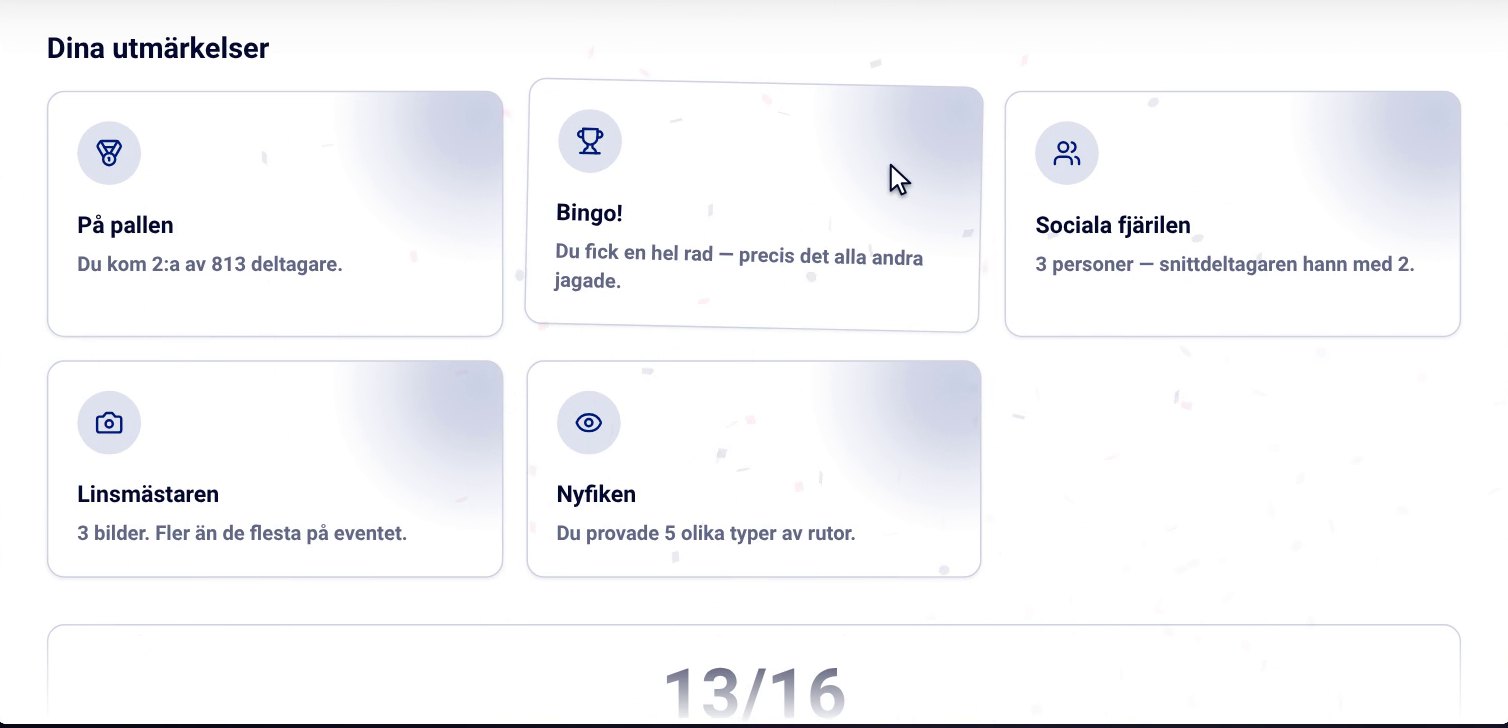
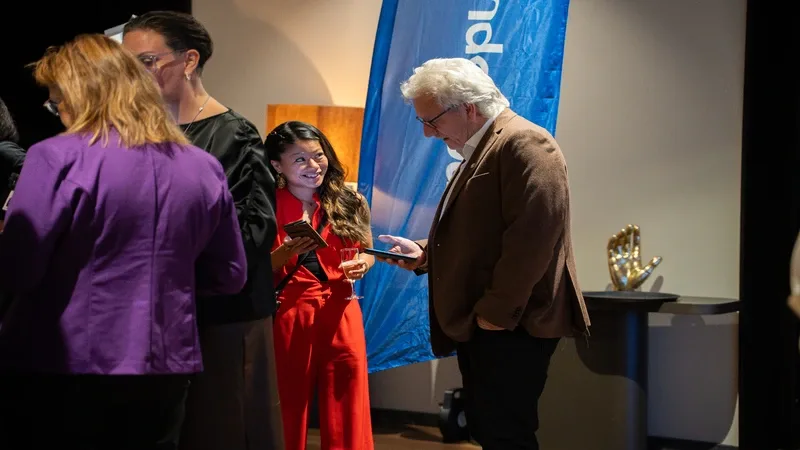
Every step of the event, in three phases
The five tools that hold the whole event together
Event View
Everything for an event in three phases, before, during and after: questions, preview, live, winners, notifications, participants, statistics, photos and exhibitor results.
Branding Studio
21 fonts, your own colour palette, live preview.
Dynamic QR code
The same printed sign, a new destination next time.
Exhibitor Results
Every exhibitor sees their own visits, leads and answers.
Wrapped
A personal summary for every participant and a dedicated results page for every exhibitor.
The questions that usually come up
Which card sizes can we choose from?
4×4 or 5×5, with a row or a full card as the winning rule. If you like, a tiebreaker question can fairly decide when several people get bingo at the same time.
How quickly can a participant get started?
In five seconds: they scan the QR code and land straight on their card, in the event's own colours and with the event's own questions.
Who sets up the event?
We do. We create the questions, branding and event page based on your event, and you can adjust everything in Event View before and during the event.
What does the organiser see while the event is running?
The live view shows how many have scanned and are playing, who has got bingo and the photos coming in. A photo that isn't suitable can be removed with one click.
Which question types are there?
Five: name question, photo question, correct answer, open question and letter tiles. You can mix them freely on the same card.

Digital mingle bingo: the game that gets people to meet, move around and discover more.