Branding Studio: your logo and your colours in the game
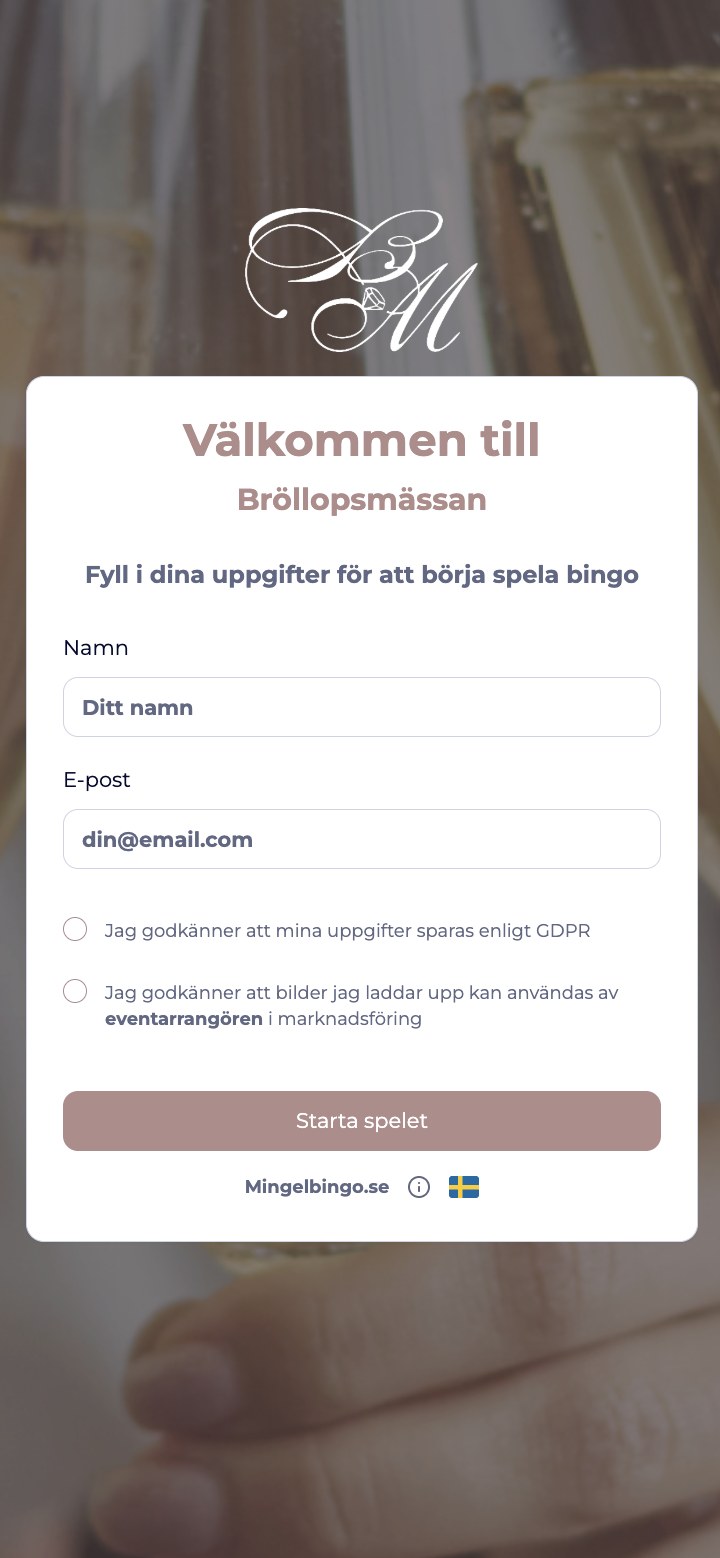
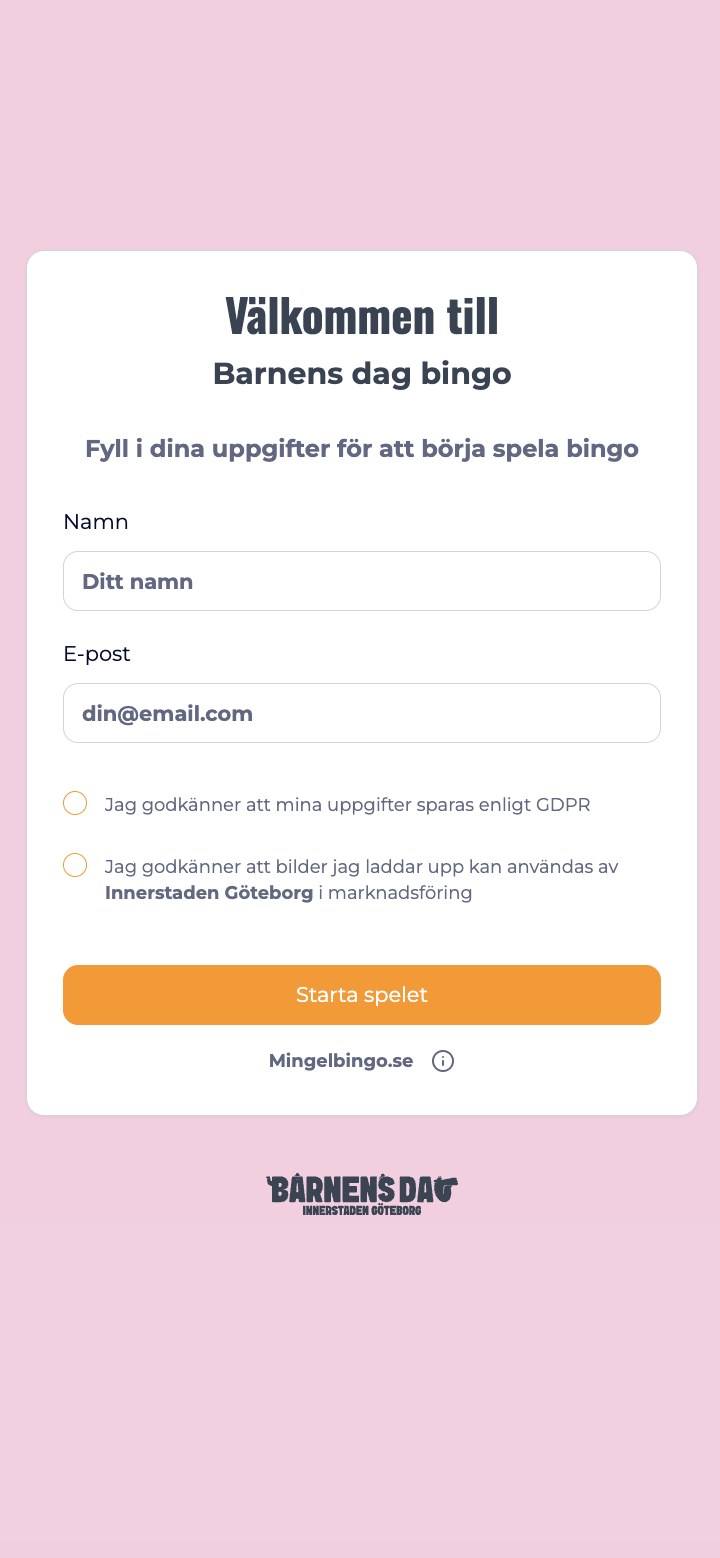
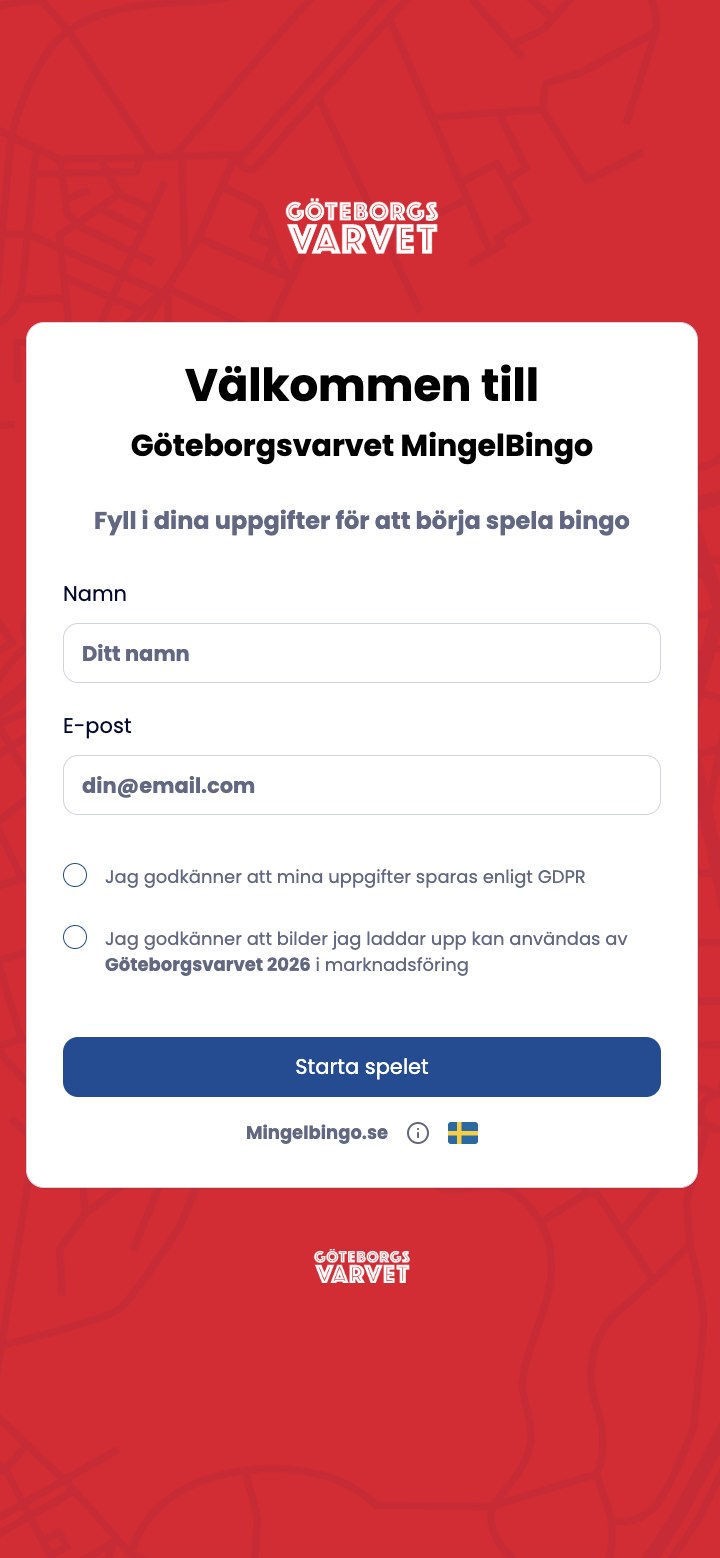
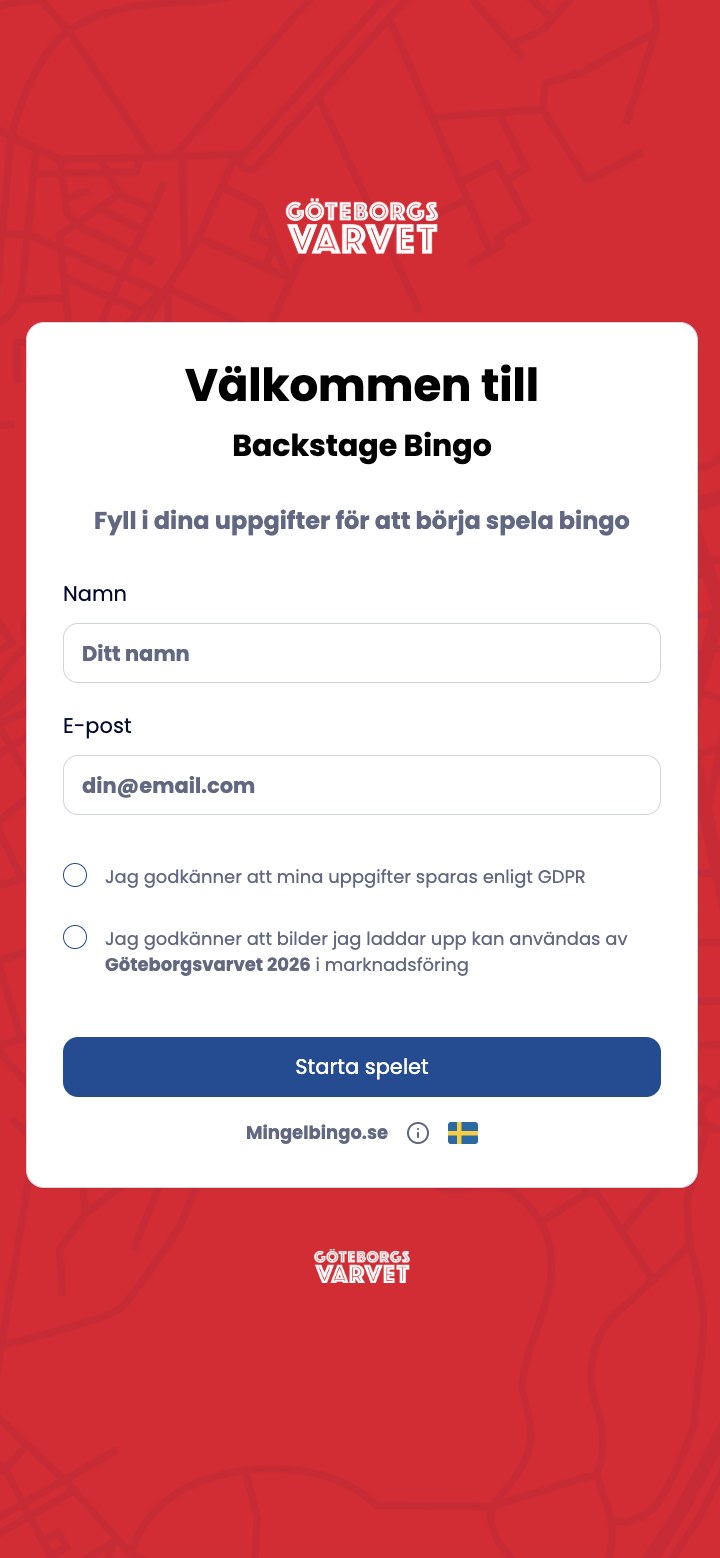
We set up your brand for you, and in Branding Studio you can adjust colours, fonts and frame theme yourselves, with a live preview of exactly how the game will look.
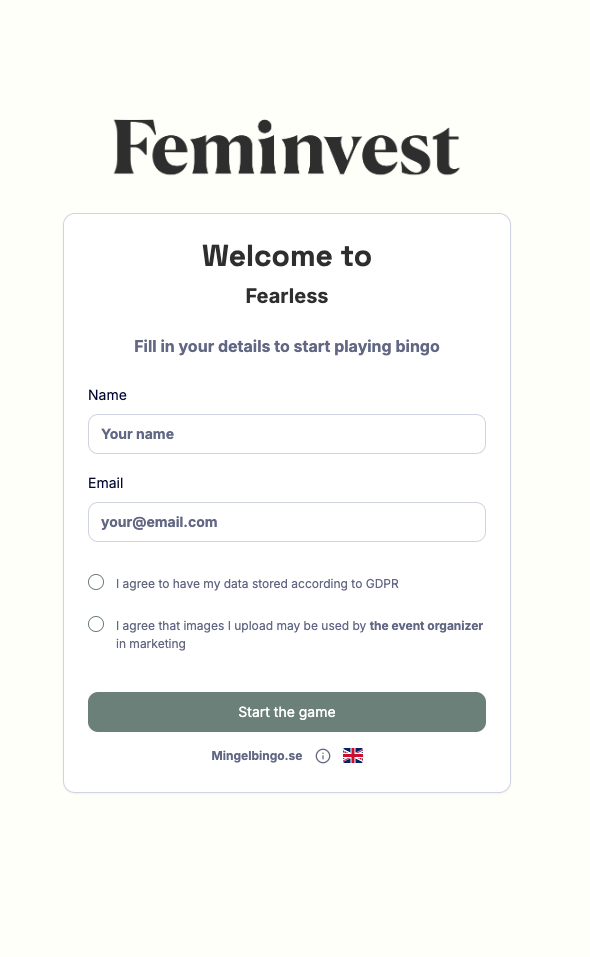
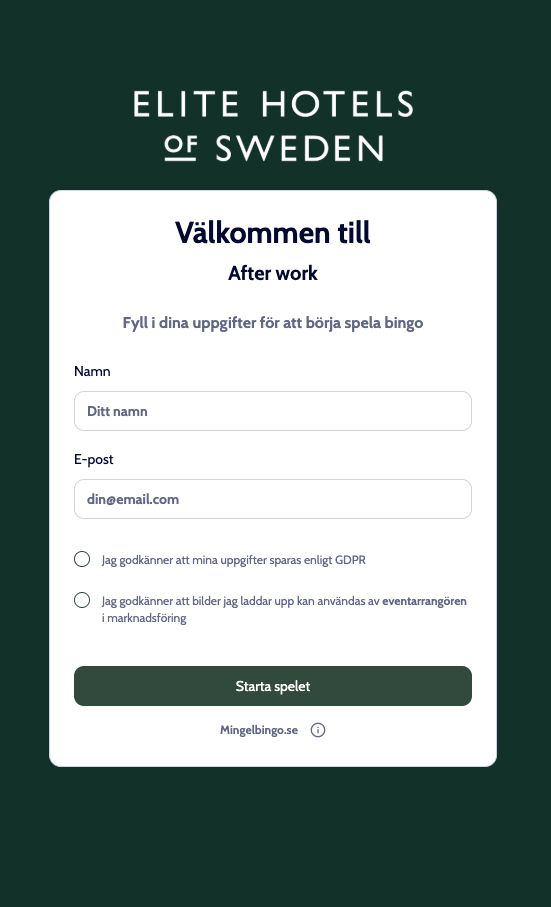
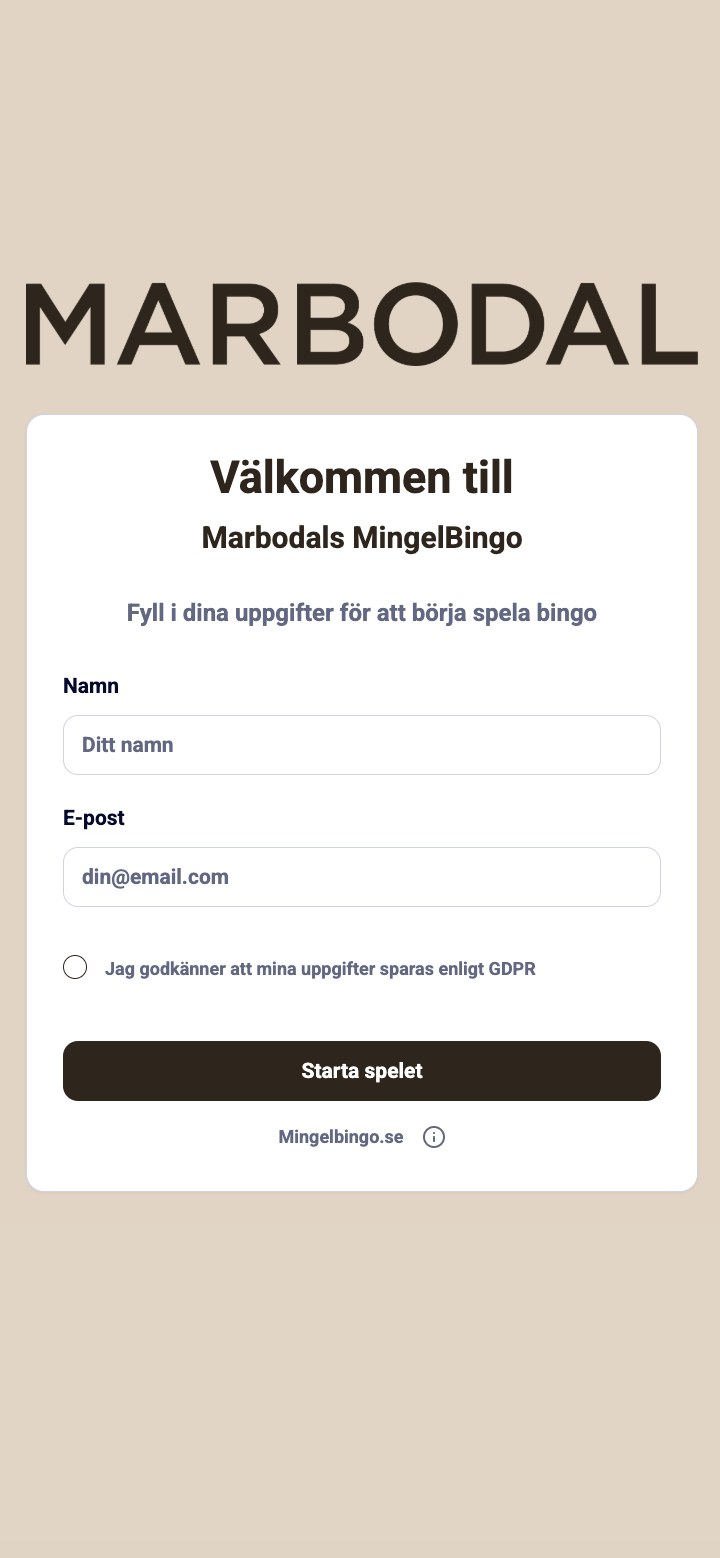
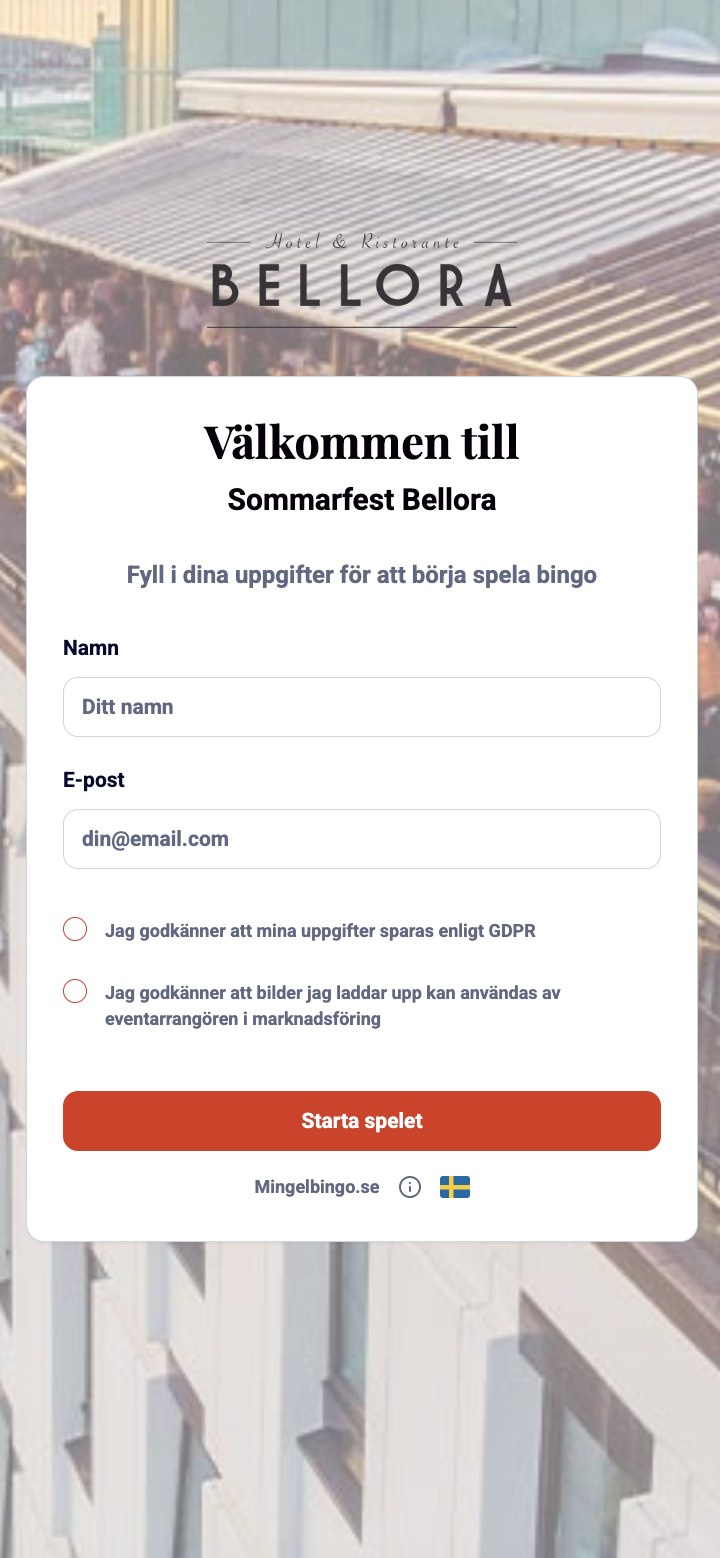
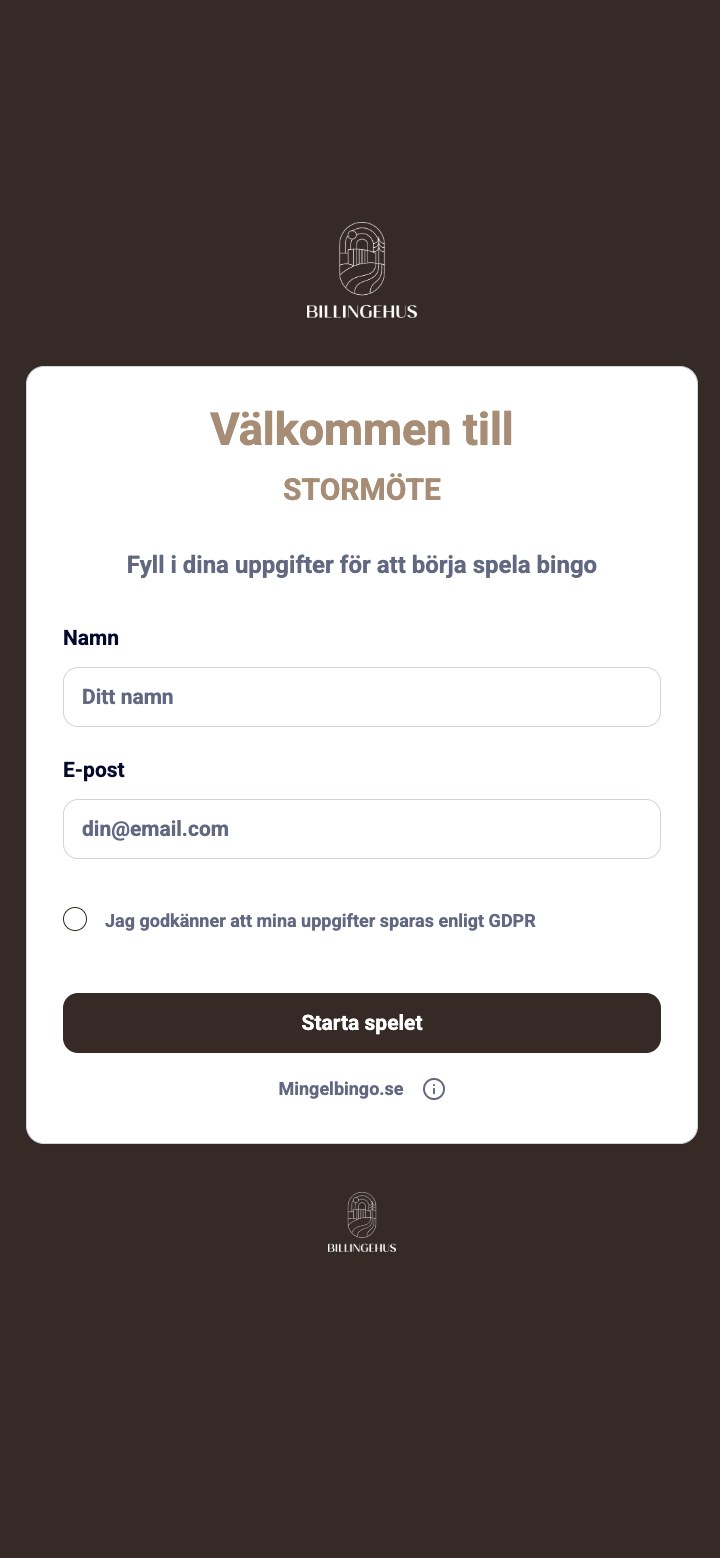
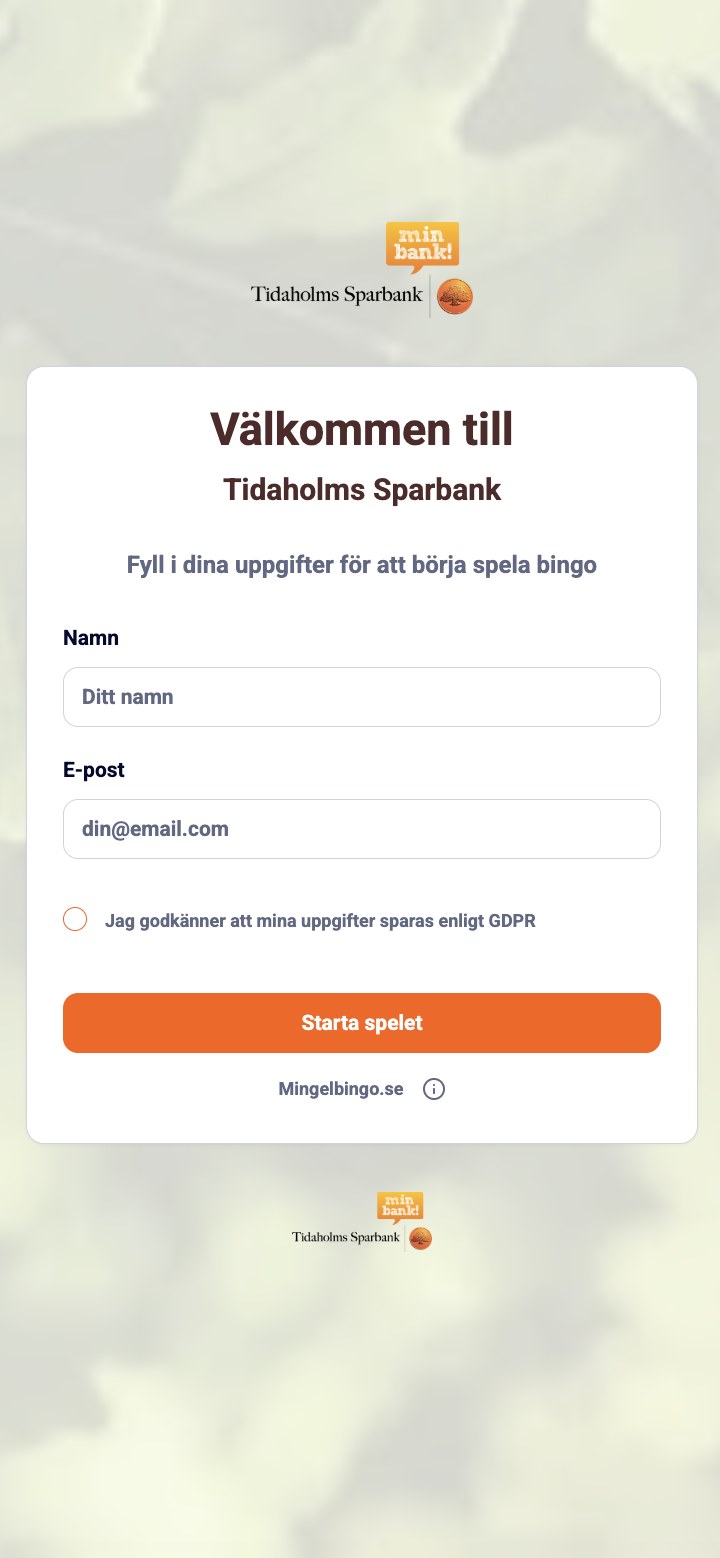
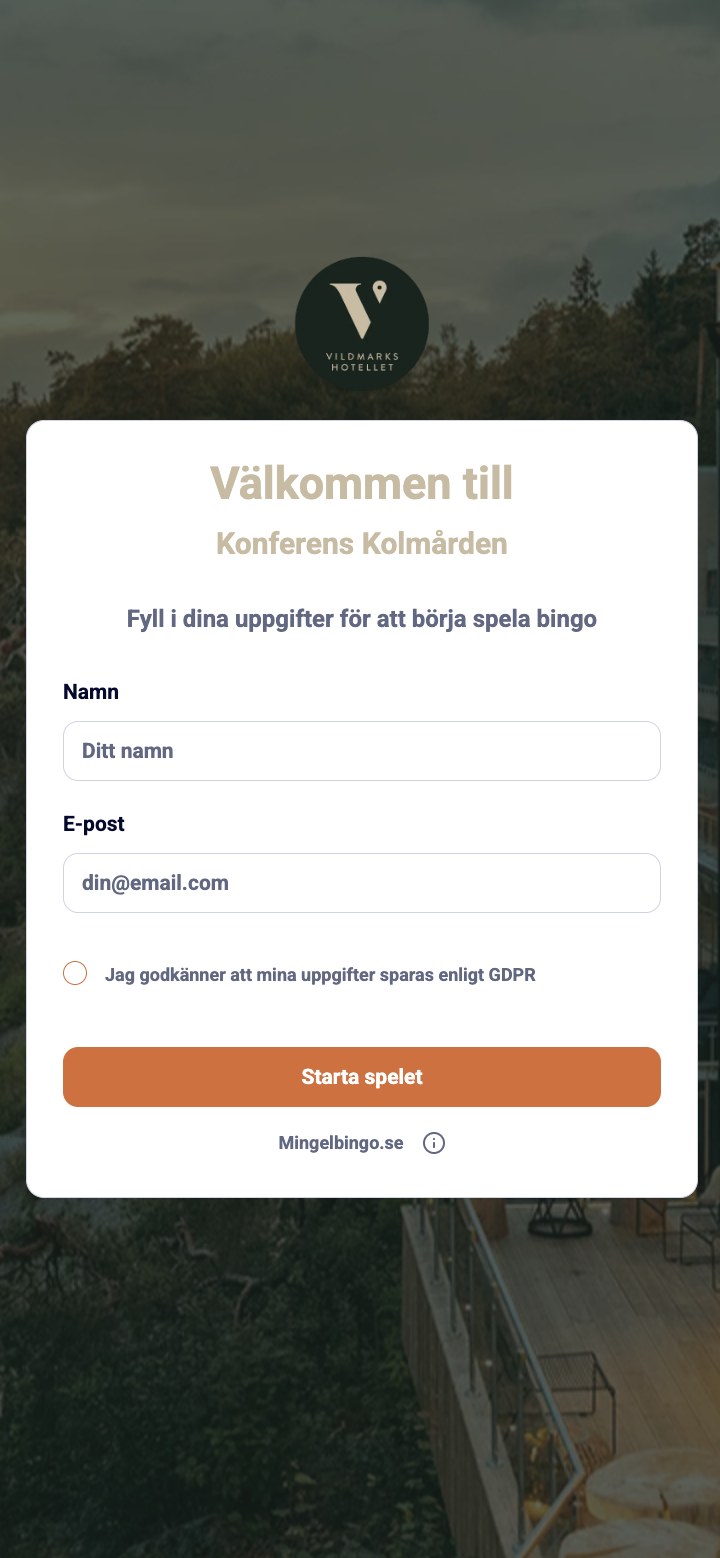
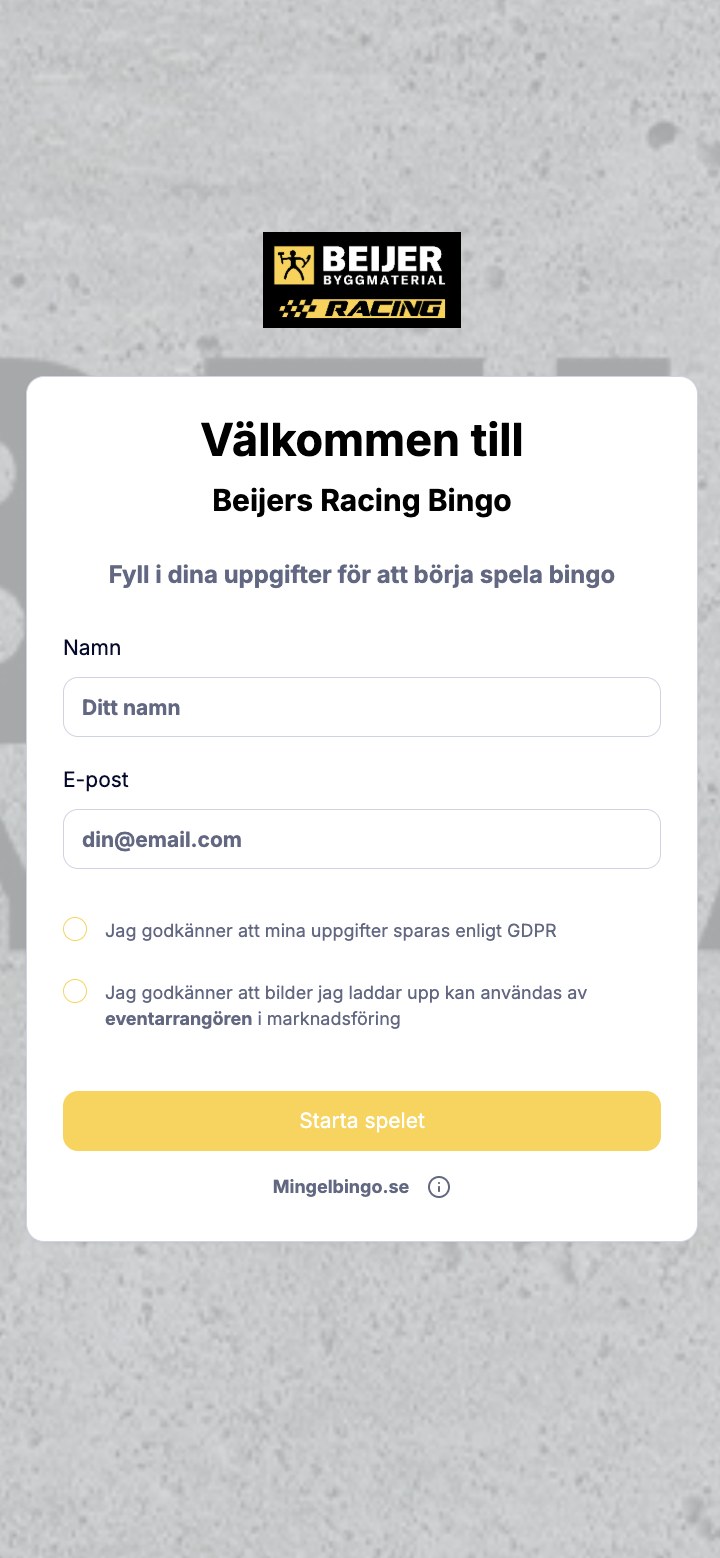
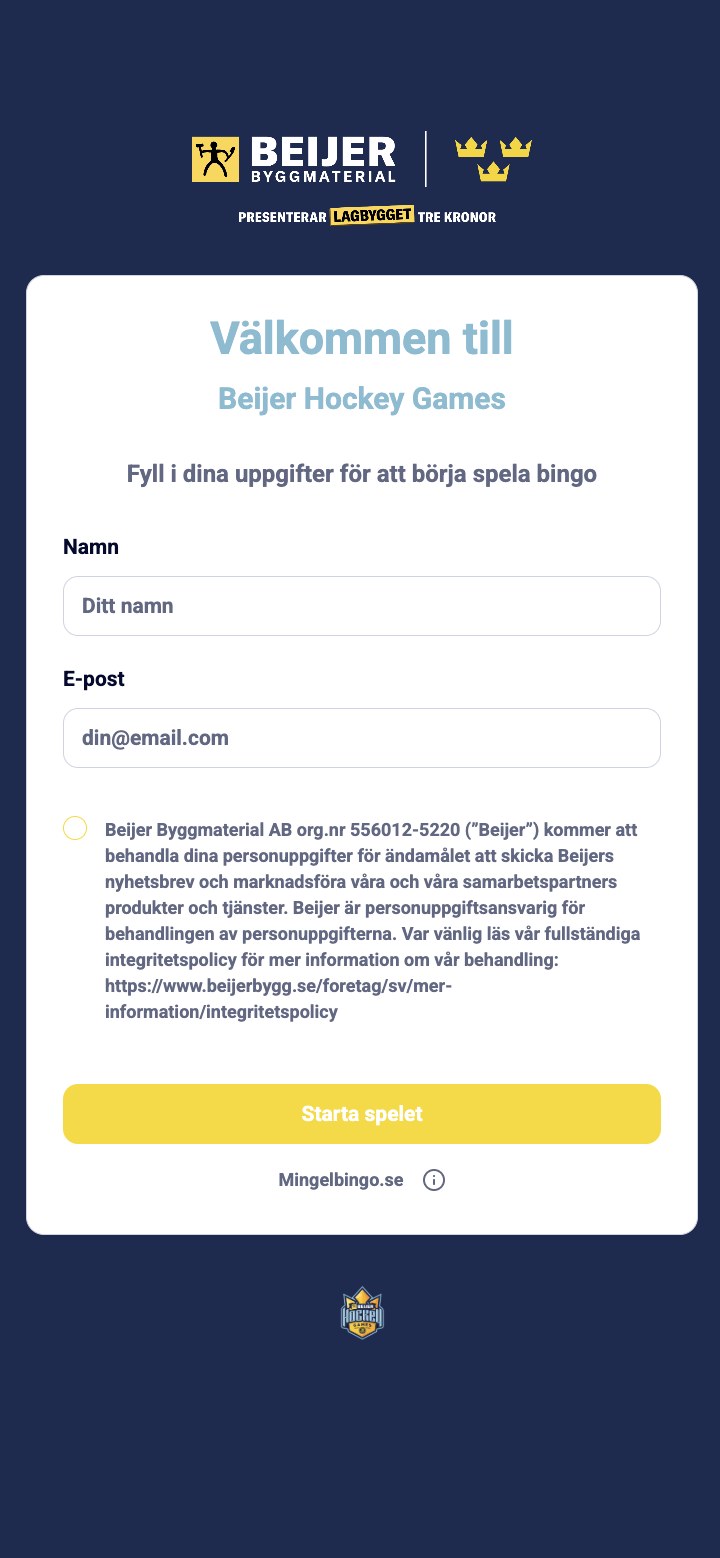
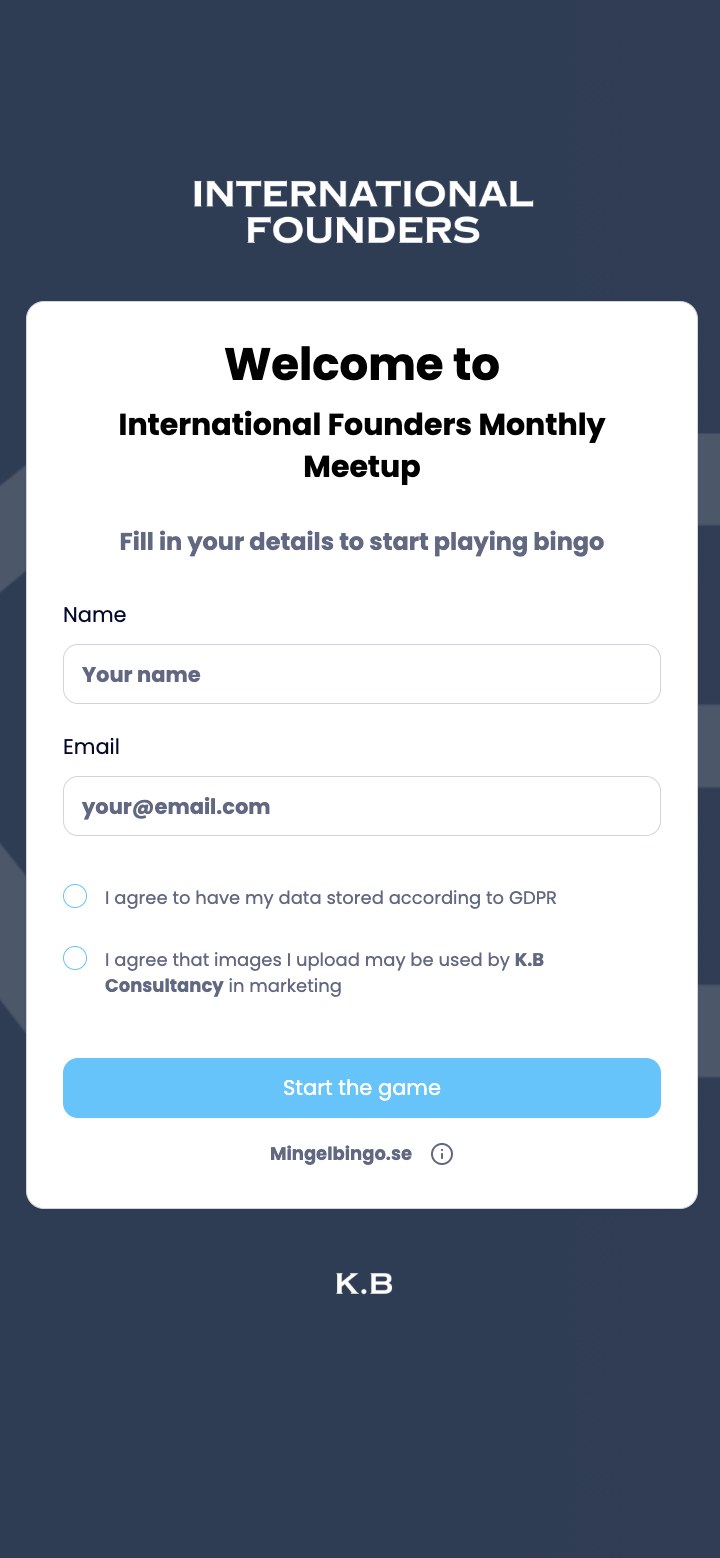
Six parts of your brand
Colours
Primary colour, background colour, card colour and text colour, adjusted automatically so everything stays readable.
Logo and favicon
The logo appears in the header and on the loading screens. Upload it and adjust the size until it looks right.
Fonts
Choose a font pairing for headings and body text.
Background
A solid colour, or an uploaded background image or pattern with adjustable opacity.
Celebration frame
A standard frame or your own graphics for winner photos, the picture participants take when they get bingo.
AI suggestion
Start from your logo and get a suggested palette and fonts to build on.
The questions that usually come up
What can we control in Branding Studio?
Colours, logo and favicon, fonts, background and celebration frame, all directly in the browser. If you have several events, it becomes your default look that is filled in automatically for every new event.
Do we see the changes before they're published?
Yes, a live preview shows exactly how the game looks to participants before anything goes live.
Is there help getting started with the palette?
Yes, an AI suggestion starts from your uploaded logo and proposes a palette and fonts to build on.

Digital mingle bingo: the game that gets people to meet, move around and discover more.