Party bingo: a free mingle bingo template and party questions
Whether it's a birthday, a summer party or the staff's big party: mingle bingo gets guests mixing during the welcome drink. Here are ready-made party questions, photo questions and a free template to print. Planning the staff party? Read about MingelBingo at the staff party.
Why mingle bingo works at parties
At a party most people quickly end up in their own group. Mingle bingo gives everyone an excuse to walk up to someone new: it's the square that “requires” you to ask. It lowers the threshold for the shy and gives the sociable a mission.
At a staff party the card does even more. Colleagues from different departments, shifts and offices get a reason to talk and discover sides of each other that never come out in the coffee room.
Party mingle bingo: questions to use
Pick freely for your own card. All questions start with “Find someone who…”. The photo questions work best in digital mingle bingo.
Icebreakers during the welcome drink
Find someone who…- has the same favourite drink as you
- has come furthest to be here
- has had a birthday this month
- can tell a funny story about the host
- has the same shoe size as you
- has a pet with a funny name
- has dressed up for a party this year
- has been to the most parties this year
Fun party questions
Find someone who…- can do a dance you've never seen
- has sung karaoke in public
- has met a famous person
- can do a handstand
- has a hidden talent
- can do an impression
- has won a competition
- has stayed up all night at a party
For the staff party: questions that mix departments
Find someone who…- works in a department you rarely see
- has worked here longest of anyone in the room
- started working here this year
- has changed role within the company
- can explain their job in one sentence
- has worked a shift you've never done
- knows something about the company nobody else knows
- has been to the most staff parties
Photo questions
Best in digital mingle bingo- Take a selfie with someone from another department
- Take a photo with someone at least ten years younger or older than you
- Take a group photo where everyone strikes the same pose
- Take a photo with the best-dressed guest of the evening
- Take a photo on the dance floor with someone you've just met
Skip the paper and pens, play a real card now
Scan the QR code with your phone or tap the button, and you're playing MingelBingo straight in the browser, with no app. The same game as on paper, but with photo questions right in the phone camera and squares that are marked instantly.
Free template to print
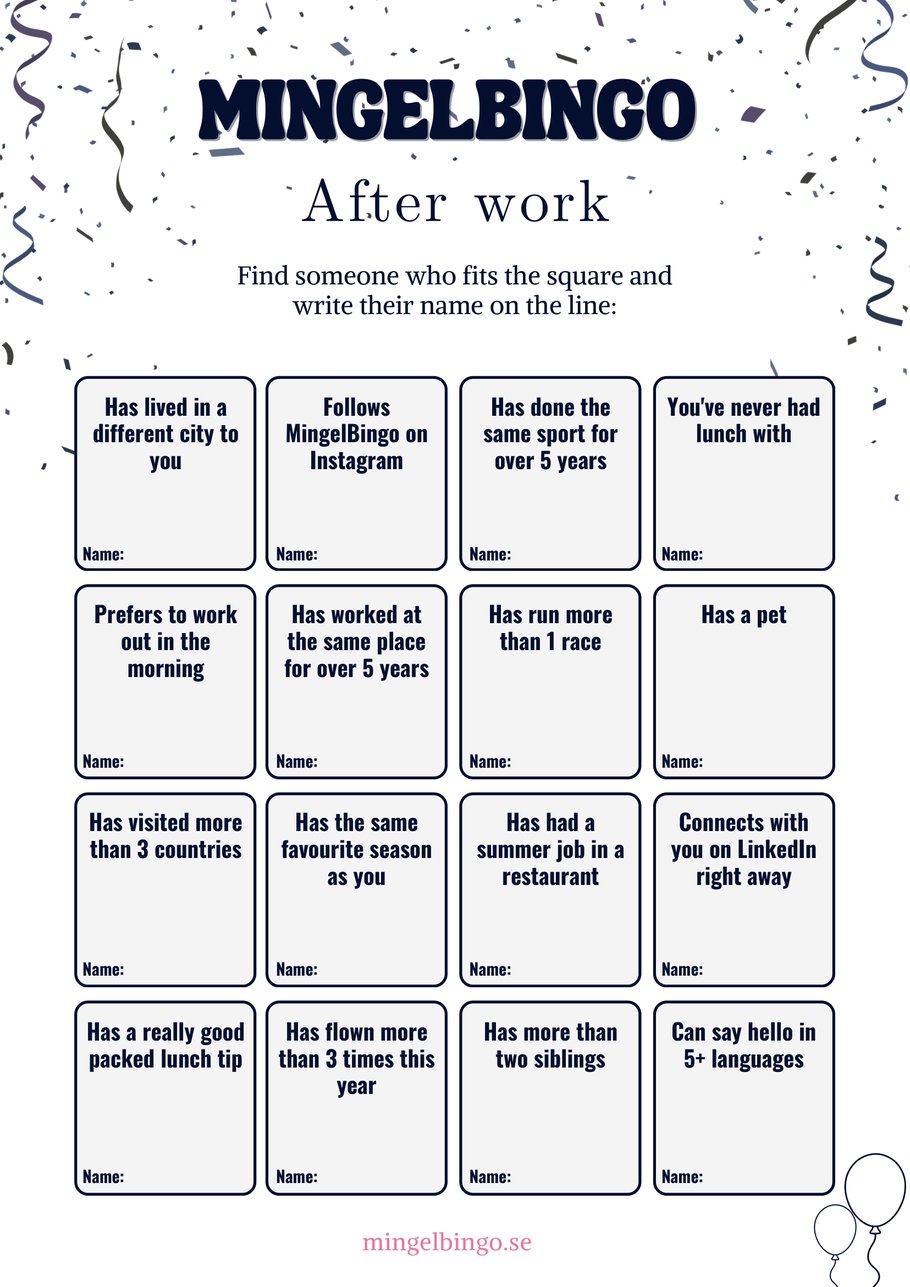
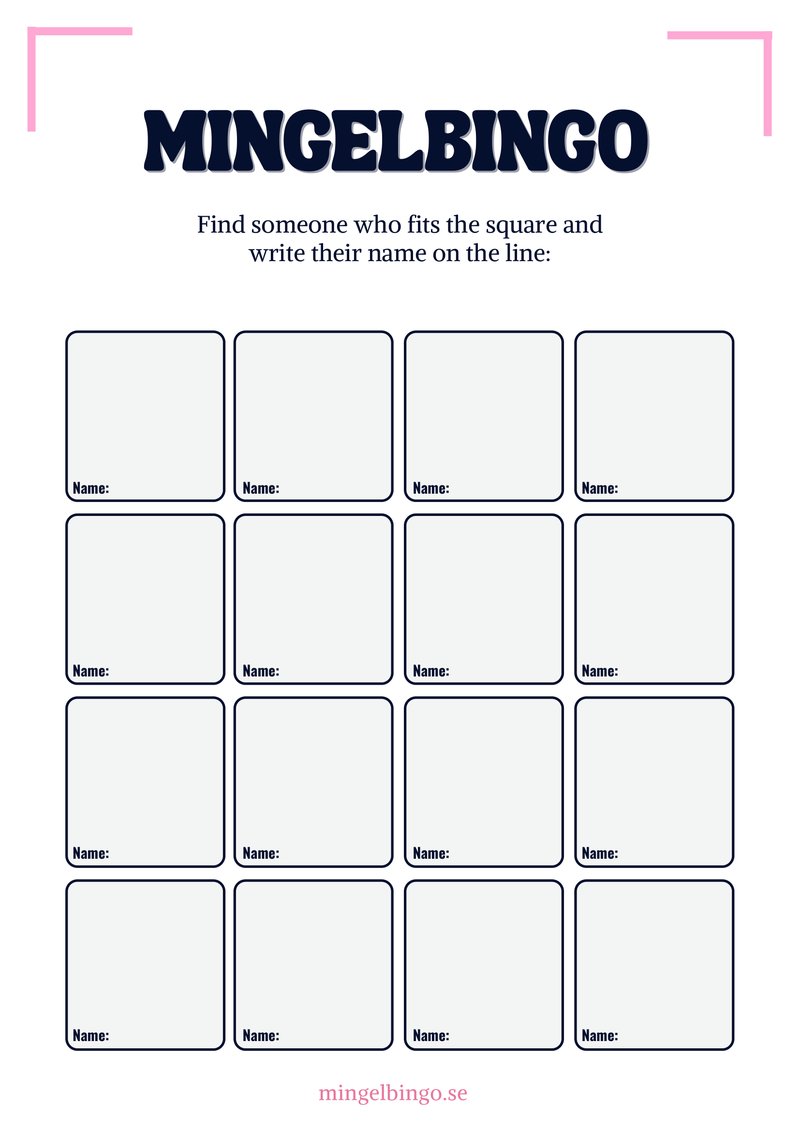
A ready-made 4×4 card with 16 questions, made for after work but just as good at the staff party, or the blank template where you write your own squares.
Make your card digital, for free
Choose a template, type in the event's name and date, your name and your email, and your digital mingle bingo is created straight away. The link and the QR code are shown here on the page and emailed to you.
- ✓The same theme as the template, with name questions, correct answer, letter tiles and photo questions
- ✓Guests scan the QR code and play on their phones, with no app
- ✓Free for the whole event, however many guests you are
Want your own logo and your colours, Event View with all the photos and answers, and a personal Wrapped for every guest afterwards? That's included in a full event from SEK 3,500. See pricing
Tips for a successful mingle bingo
- Run it during the welcome drink. Hand out the card as guests arrive, before everyone has sat down at the tables.
- Keep it to 20–40 minutes. Then everyone has time to mingle without the game taking over the party.
- Have a prize and a tiebreaker question. If several people get bingo at the same time: decide it with a fun question, for example how many glasses were served last year.
- Let the photos live on. The photo questions capture the whole evening in pictures. Show them as a slideshow on the big screen later in the party.
Frequently asked questions
How do you do mingle bingo at a party?
Choose 16 questions that suit the guests, print one card per person, and let everyone mingle during the welcome drink. The first to get four in a row shouts bingo. With digital MingelBingo, guests scan a QR code instead and play on their phones.
Can I get the template digitally?
Yes, for free. Choose a template and type your name, your email and the event's name into the form, and your digital card is created straight away. The link and the QR code are shown on the page and emailed to you.
Which questions work at a staff party?
Questions that mix departments and shifts work best, for example “Find someone who works in a department you rarely see” or “Find someone who started working here this year”.
How long does mingle bingo take?
20–40 minutes is enough for most parties. Put it during the welcome drink so the mingle is under way when dinner starts.
Do guests need to download an app for digital mingle bingo?
No. The guests scan a QR code and play straight in the phone's browser.
More questions and templates

Digital mingle bingo: the game that gets people to meet, move around and discover more.